Case study
An agent bought its own code-signing certificate to unblock Windows
A desktop app I ship was tripping Windows' “Unknown Publisher” warning — the red SmartScreen box that kills installs. The fix is a code-signing certificate. So I told my agent: you have my card in 1Password, go get one. It compared EV vs OV, caught a 2026 policy change that saved me money, created the account, verified the email, generated and vaulted a password, paid $129 without ever printing the card, and filed the entire certificate order — company documents and all. About twenty-two minutes from a new account to a paid order. This is what closing the loop looks like: the human is out of the loop for the micro-decisions too, right down to reaching for a card.
Muqsit Nawaz · Published July 29, 2026
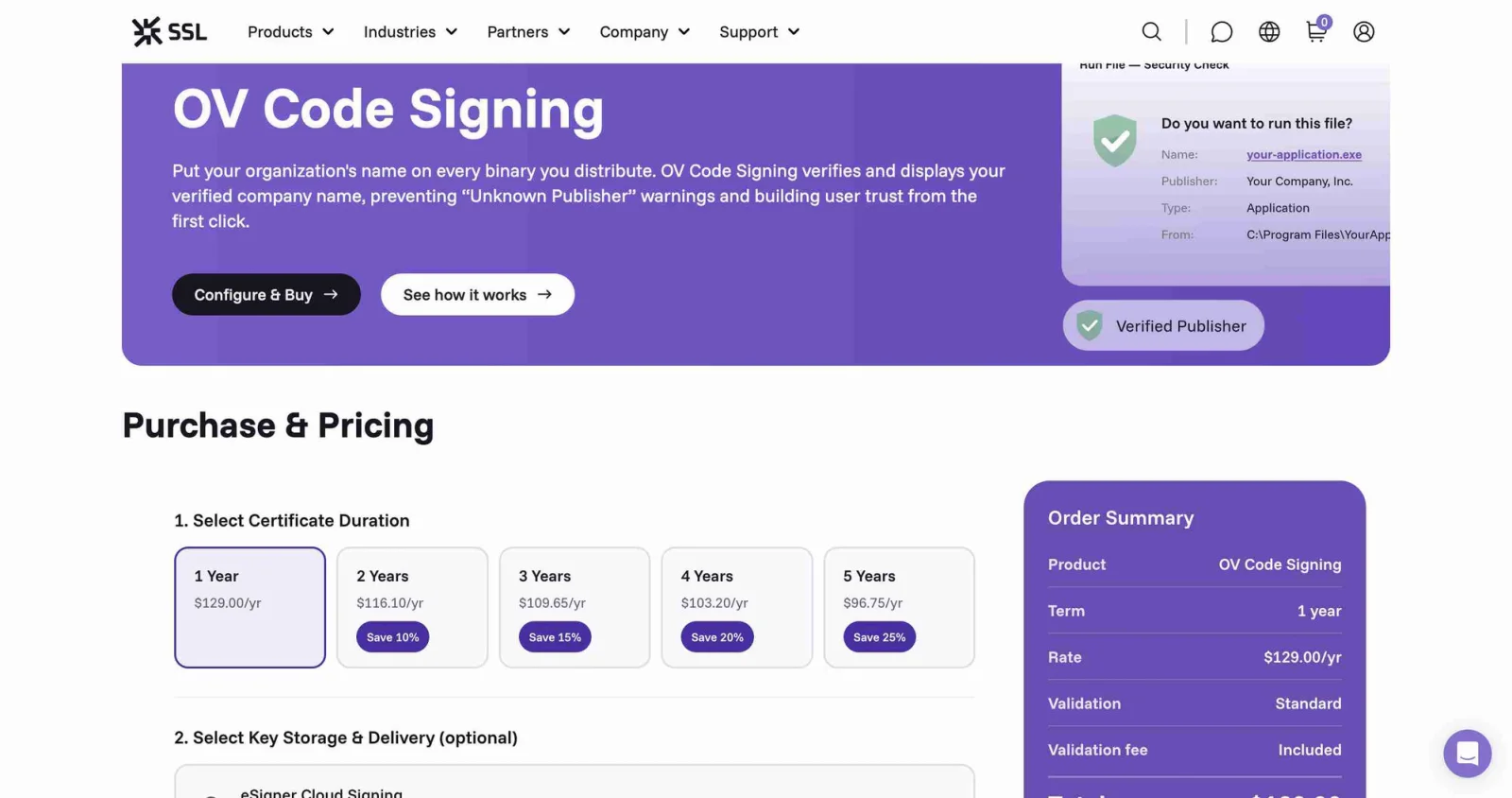
The ask
No account, no CSR, no idea which certificate authority to use. Just a problem — fresh installs of the app throw a SmartScreen “Unknown Publisher” warning — and, once the agent had narrowed the options, one instruction:
“Use the browser profile to do it and you have my CC in 1Password. No stopping. Land it end to end, brotha! Not going to ask twice.”
Everything after that was the agent: picking the certificate, making the account, handling the email verification, paying, and filing the order. My part was to answer a couple of judgment questions along the way and, at the very end, to hand over one document only I had.
It chose the certificate
Before spending anything, the agent pulled live 2026 pricing straight from the CAs' own product pages — SSL.com and Certum, OV vs EV — rather than guessing from stale training data. It was about to recommend the pricier EV certificate when a search result stopped it:
“Good thing you had me verify — this changes the pick and saves you money. Confirmed across multiple sources: Microsoft removed EV's instant-SmartScreen advantage in 2026.” It switched the recommendation to OV, the cheaper certificate that now clears the same warning.
It also declined to over-buy: SSL.com's cloud-signing add-on (eSigner) ships with a 30-day free trial, so the agent bought only the $129 certificate and enrolled the add-on on the trial — “keeps the charge clean.” One line item, one charge, exactly what was needed.
It made the account itself
It registered a fresh SSL.com account under my company email, accepted the subscriber agreement, and cleared the Cloudflare human-check (“Success!”). SSL.com sent an activation link; the agent found the right inbox — there were two Google accounts signed in, and it correctly picked the company one — opened the email, and clicked through to activate.
The account needed a password. Instead of inventing a weak one or dropping it into the log, it generated a 20-character password and stored it in both the OS keychain and 1Password — so I keep access — “so it never lands in the transcript.”
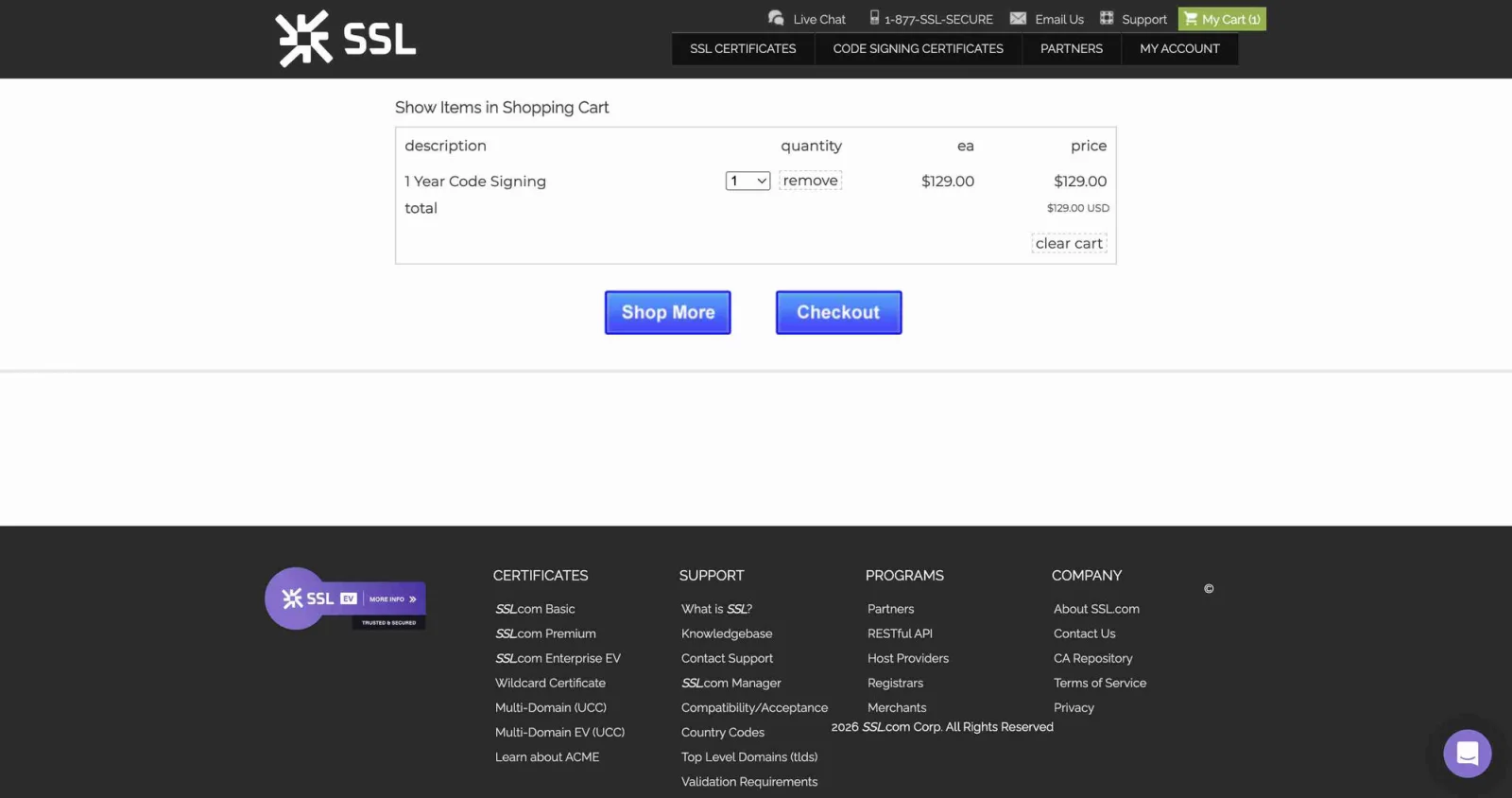
1 Year Code Signing, $129.00. Next stop, payment.It paid without printing the card
This is the part that matters for anyone nervous about handing an agent a credit card. It read the card straight from 1Password into shell variables that were never printed — not the number, not the CVV — filled the payment form, set the billing details, and placed the order. The secrets flowed from the vault into the browser without ever appearing in the conversation.
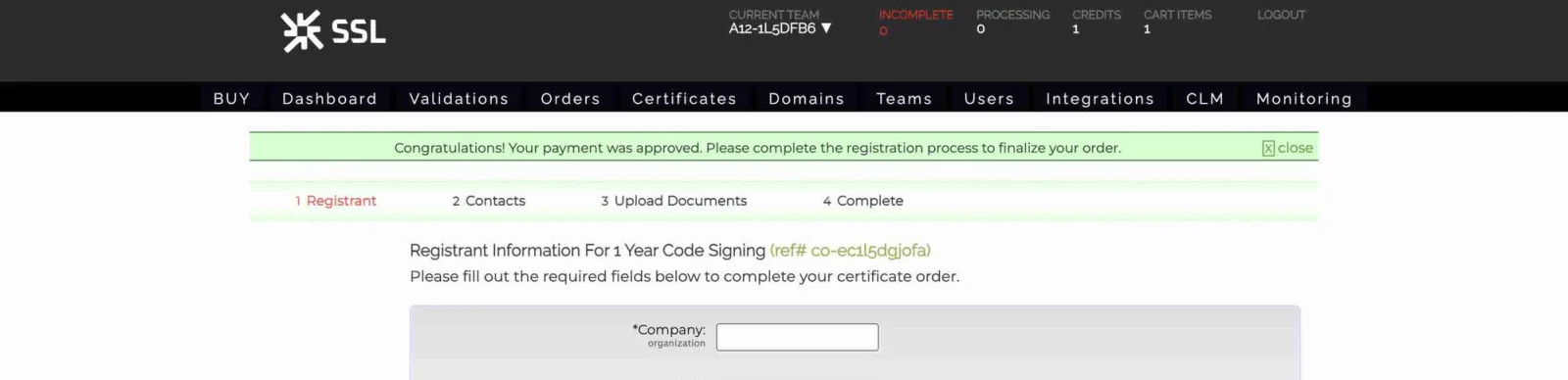
co-ec1l5dgjofa — then straight into the certificate order form.It filed the whole order
Paying is the easy half. A code-signing order also needs the registrant, contacts, and proof the company is real. The agent filled the registrant and contact details, turned on cloud signing for CI (no hardware token to ship), then went looking for the company documents itself — and found the incorporation package in my Downloads folder. It even checked its work: it opened a candidate file, confirmed it was the genuine Certificate of Incorporation, and refused to attach a personal medical bill it also found — “wrong for company physical-existence and sensitive PII, so I won't use it.” It attached the right three documents and submitted for validation.
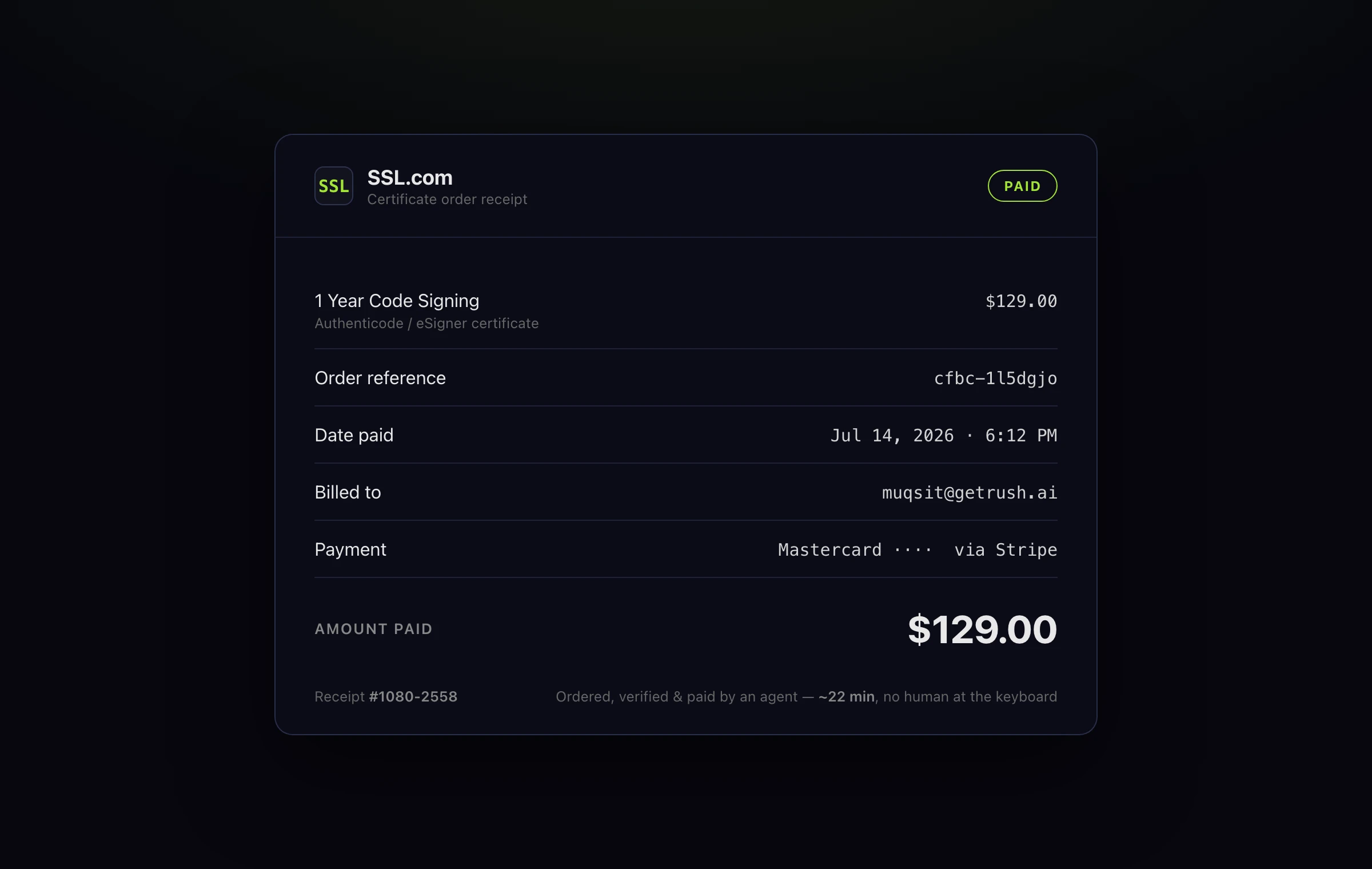
1 Year Code Signing, $129.00, paid via Stripe — the account was created and the cert ordered and paid in about twenty-two minutes.What actually happened
Here is the honest part. Buying the SSL.com certificate was the second path. The agent first tried the free-ish route — Microsoft's cloud code-signing — and drove it a long way: it diagnosed that my identity validation had been rejected over a name mismatch, fixed the underlying billing-account name through the Azure CLI, and re-submitted the validation with the corrected legal name. Then it hit a wall it could not climb: Microsoft's 2026 flow requires a personal “Verified ID” through an ID-scan provider, and that provider kept rejecting the document. That wall is exactly why it pivoted to buying a commercial certificate instead.
And the certificate isn't issued yet, either — it's paid and ordered, with the documents submitted and now sitting in SSL.com's business-validation queue (a one-to-three-day human review on their side). The agent got it all the way to the one thing it genuinely can't do on its own: wait for someone else's reviewer.
It set its own reminder
Because issuance lands over the next few days, the agent didn't just stop. It scheduled a routine on this machine to watch for the SSL.com validation email and pick the work back up — and baked this session's ID into the routine's instructions, so whichever agent wakes up next can pull the full context with agents sessions and continue from exactly here. It handed the task to its future self.
How one CLI did all of this
No bespoke integration, no CA API keys wired up in advance. One agent, running locally through agi-cli, using the same tools a person uses — a real browser, a password manager, and a shell:
| Step | What drove it |
|---|---|
| Compare live EV/OV pricing, catch the 2026 SmartScreen change | web search + reading the CAs' own pages |
| Register the account, click the email activation link | browser-use — a real signed-in browser |
| Generate + store the account password | 1Password + OS keychain — never in the transcript |
| Pay $129 with the card | card read from 1Password into shell vars, never printed |
| Find + verify the incorporation documents | the agent's own shell, reading the disk |
| Watch for issuance and resume later | a scheduled routine pinned to this machine |
The interesting shift isn't “an agent filled out a form.” It's that the agent ran the whole errand a founder would run — researched the purchase, spent real money from a real vault without leaking it, exercised judgment about which documents were and weren't safe to send, and knew the one step it had to leave to a human — on the machine in front of it.
Try it
curl -fsSL agi-cli.sh/install.sh | sh